
5 signs your company website is driving clients away
Many business owners think, “At least we have a website.” The problem is that a bad website can do more damage than having no website at all. And the worst part is, you’ll never know it’s happening.
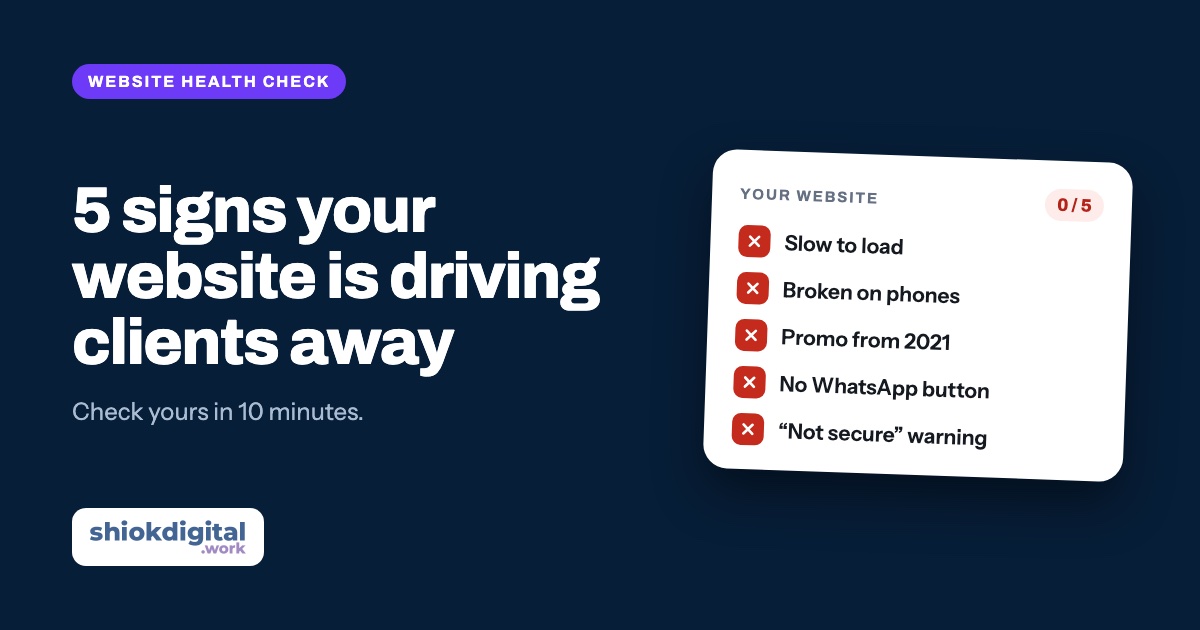
If your website is slow to load, broken on phones, out of date, hard to contact you from, or hard to trust, visitors leave and go to a competitor. You can check all five yourself in under 10 minutes, and most can be fixed without building a new website.
Picture this. A potential client hears your company name from a friend. They Google you, tap your website and… it takes forever to load. When it finally appears, the text is tiny, the buttons don’t respond and the promotion on the front page is from 2021. They won’t call to ask. They’ll press “back” and tap the competitor listed below you.
Here are the five signs we see most often when we check Malaysian business websites, and how to check them yourself.
1. Your website is slow
Visitors today are impatient. If a page takes too long to appear, especially on a phone using mobile data, many leave before they see anything.
Check it yourself: open PageSpeed Insights, enter your website address and look at the “Mobile” score. Red or orange means there is work to do.
Common causes:
- Huge, uncompressed photos uploaded straight from a camera or phone
- Too many plugins, especially on WordPress
- Cheap, slow hosting, or a server far from Malaysia
- Sliders and autoplay videos at the top of the page
How to fix it: compress images, remove unused plugins, switch on caching and consider better hosting. This can usually be fixed without changing the design.
2. It’s broken or hard to use on phones
Most of your clients open your website on a phone, not a laptop. A website that looks great on a desktop but falls apart on a phone is turning away most of your visitors.
Check it yourself: open your website on your own phone and ask:
- Do I need to zoom in to read the text?
- Does anything run off the edge of the screen, so I have to scroll sideways?
- Are buttons so small or close together that I tap the wrong one?
- Is the menu hard to open or close?
If the answer to any of these is “yes”, your website isn’t mobile-friendly.
How to fix it: older websites built before “responsive design” are usually better rebuilt. A website with only a few problem areas can be fixed one section at a time.
3. The information is out of date
Nothing makes people doubt you faster than:
- “© 2019” in the footer
- A Hari Raya promotion that ended three years ago
- Old prices that are no longer valid
- A phone number or address that has changed
- A “Latest News” section whose last post is years old
Clients start wondering, “Is this company still in business?”
Check it yourself: read every page as if you were a new client, and mark anything that is no longer accurate.
How to fix it: update the details, remove sections you can’t keep up (no blog is better than a dead one), and set a reminder to review the website at least every three months.
4. Clients struggle to contact you
This is the most expensive problem. The client is interested and ready to ask, but:
- Your phone number is hidden on the “Contact Us” page only
- There is no WhatsApp button
- The contact form doesn’t work, or messages go to an email nobody checks
- The form asks for too much (name, IC, address, budget, company…)
Every extra step is another chance for the client to change their mind.
Check it yourself: ask a friend to open your website on their phone and contact you. Count how many taps it takes before the message reaches you. More than two is too many. Test your contact form too: send a message and make sure it actually arrives.
How to fix it: put a clear WhatsApp button on every page, especially at the top and bottom. We explain why in why a WhatsApp button beats a contact form.
5. Your website doesn’t look trustworthy
Clients who don’t know you look for proof that you’re a real, reliable company. These signs damage that trust:
- The browser shows a “Not secure” warning (no HTTPS / SSL)
- No examples of work, portfolio or past projects
- No testimonials or reviews from real clients
- Only stock photos, with no photos of your actual team or premises
- No address, company registration number or information about who runs the business
- An @gmail.com email instead of one on your own company domain
For corporate, tender or B2B work, this matters even more. Decision-makers will almost certainly check your website before inviting you to present.
Check it yourself: open your website and ask, “If I didn’t know this company, would I have any reason to trust it?”
How to fix it: switch on SSL (most hosts include it free), add your three to five best projects, ask past clients for Google reviews, and replace stock photos with real photos of your team or work. Our guide on getting more Google reviews has ready-to-send WhatsApp messages.
Fix it or rebuild?
You don’t always need a new website. A quick guide:
| Situation | Recommendation |
|---|---|
| 1 or 2 small problems (outdated details, no WhatsApp button) | Just fix them |
| Slow, but the design is still fine | Speed and hosting optimisation |
| Badly broken on phones | Usually better to rebuild |
| 4 or 5 of the signs above at once | Rebuild: faster and cheaper in the long run |
| Nobody knows the logins or who built it | Rebuild, and make sure you hold the access this time |
Wondering about the budget? See our website cost guide. If your website is fine but nobody is looking after it, read about common website problems and our care plans from RM99/month.
Not sure if your website has these problems?
WhatsApp us your website link. We’ll check it and tell you honestly whether it needs fixing, rebuilding, or is actually fine. Free, no obligation.
Frequently asked questions
How do I know if my website is slow?
Use Google’s free PageSpeed Insights tool at pagespeed.web.dev. Enter your website address and look at the mobile score. Green is good; orange or red means there is room to improve.
My website was built 5 years ago. Do I need a new one?
Not necessarily. If it is still fast, works well on phones and is easy to update, refreshing the content may be enough. If it breaks on phones or runs on old technology, a rebuild is usually better value.
Why does my website show “Not secure”?
It means your website has no SSL certificate (HTTPS). It scares visitors away and can affect how you appear on Google. Most hosting companies provide SSL for free, so it is one of the easiest problems to fix.
Does my company website need a blog?
Only if you can keep it updated. A blog whose last post is from years ago makes the business look inactive. No blog is better than an abandoned one.
How long does it take to fix these problems?
Small fixes like adding a WhatsApp button, switching on SSL or updating details can be done in a day or two. Rebuilding a website usually takes a few weeks, depending on its size.