
Why a WhatsApp button beats a contact form
Ask a Malaysian customer how they want to contact a business and most will say the same thing: “WhatsApp je.” Yet many business websites still hide behind a long contact form. Here’s why WhatsApp usually wins, when a form still makes sense, and how to set up the button properly.
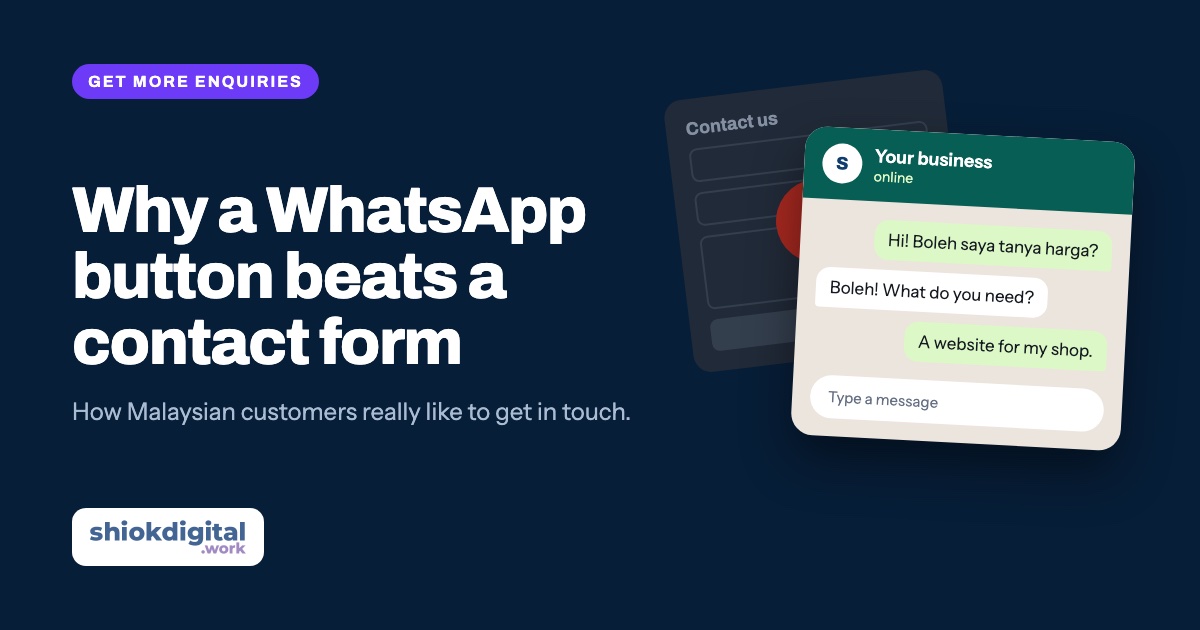
For most Malaysian small businesses, a clear WhatsApp button brings in more enquiries than a contact form, because customers already use WhatsApp every day and expect a fast, personal reply. Make WhatsApp your main button, and keep a short form as a backup for people who prefer email.
Why customers prefer WhatsApp
- It’s already open on their phone. No new app, no account, no typing an email address on a small screen.
- It feels like a conversation, not paperwork. A form asks for name, email, phone, subject and message before anything happens. WhatsApp just needs “Hi, how much for…?”
- They can see you replied. Ticks and “typing…” build trust. A form often feels like it disappears into a black hole.
- They can send photos, location and voice notes. Perfect for quotes: a photo of the broken aircond, the house to renovate, the logo they want on a shirt.
- The conversation stays saved. Both of you can scroll back to the price you quoted or the address you sent.
When a contact form still makes sense
WhatsApp isn’t right for every enquiry. Keep a short form when:
- You serve corporate or government clients who prefer email and need a paper trail.
- You need specific details before you can quote, such as company name, quantity, dates or a file upload.
- You want to collect emails for a promotion or newsletter, with the person’s consent.
- Some visitors don’t want to share their number straight away.
The best setup for most small businesses is both: WhatsApp as the main, repeated button, and a short form (name, email or phone, message) further down the page.
How to set up a WhatsApp button properly
1. Use a click-to-chat link
WhatsApp’s official click-to-chat link opens a chat with your number in one tap. Write your number in international format: Malaysia’s country code 60, then your number without the first 0, with no spaces, dashes or plus sign.
https://wa.me/60123456789
2. Add a pre-filled message
You can add a message that appears in the customer’s chat box, ready to send. It makes the first step even easier and tells you which page they came from.
https://wa.me/60123456789?text=Hi%2C%20I%27d%20like%20a%20quote%20for%20aircond%20servicing
Spaces and symbols in the message must be URL-encoded (a space becomes %20). Most website builders and developers handle this for you.
3. Put the button where people decide
- In the header, visible on every page.
- In the first screen (the hero), next to your main headline.
- Right after your prices or packages, when visitors are ready to ask.
- As a floating button in the corner, or a sticky bar at the bottom on mobile.
4. Label it clearly
Don’t rely on the green icon alone. Use words that say what happens next: “WhatsApp us for a quote” works better than a lone icon or a vague “Contact”.
Use the WhatsApp Business app
The free WhatsApp Business app gives you tools that make replying faster and more professional:
- Business profile with your address, hours, website and description.
- Greeting message for first-time customers, and an away message outside business hours (“Thanks! We’ll reply by 9am tomorrow”).
- Quick replies for questions you answer every day, like prices and location.
- Labels to sort chats into new enquiry, quoted, paid and so on.
- Catalogue to show products or packages inside WhatsApp.
Common mistakes
- Wrong number format. Using 012… or +60 12-… in the link breaks it. Use 6012… with no symbols.
- Hiding the button on mobile. Most visitors are on phones; the button must be easy to tap with a thumb.
- Slow replies. A WhatsApp button sets an expectation of speed. If you can’t reply quickly, use an away message that says when you will.
- Using a staff member’s personal number. When they leave, your customer chats leave with them.
- Too many choices. WhatsApp, call, email, form, Messenger, Telegram… Pick one main action and make it obvious.
Track your WhatsApp clicks
If you use Google Analytics, each tap on a WhatsApp button can be recorded as an event, labelled with the button that was clicked (header, pricing section, floating button). After a few weeks you’ll know which pages and buttons bring the most enquiries. That’s exactly how we track our own site.
Not sure whether you need one page or a full website for this? Read landing page vs full website.
Want a website that gets more WhatsApp enquiries?
Our landing pages come with WhatsApp buttons in all the right places, ready-made messages and click tracking. From RM850, one fixed price.
Frequently asked questions
Is adding a WhatsApp button to my website free?
Yes. A WhatsApp click-to-chat link (wa.me) is free to use. You only need a phone number with WhatsApp, ideally on the free WhatsApp Business app.
Should I remove the contact form completely?
Not always. Keep WhatsApp as the main button, and keep a short form for people who prefer email, corporate clients, or enquiries that need specific details.
Should I use my personal WhatsApp number?
It is better to use a dedicated business number on the WhatsApp Business app. It keeps customer chats separate and gives you tools like away messages and quick replies.
How do I know if the WhatsApp button is working?
Track the clicks. With Google Analytics, each click on the button can be recorded as an event, so you can see how many visitors tapped it and from which page.