
Website checklist before you launch
Your new website looks great on the designer’s laptop. But does the WhatsApp button open the right number? Can Google find it? Will you know if anyone visits? Go through this checklist before you share the link with customers. It takes an hour or two and saves a lot of embarrassment.
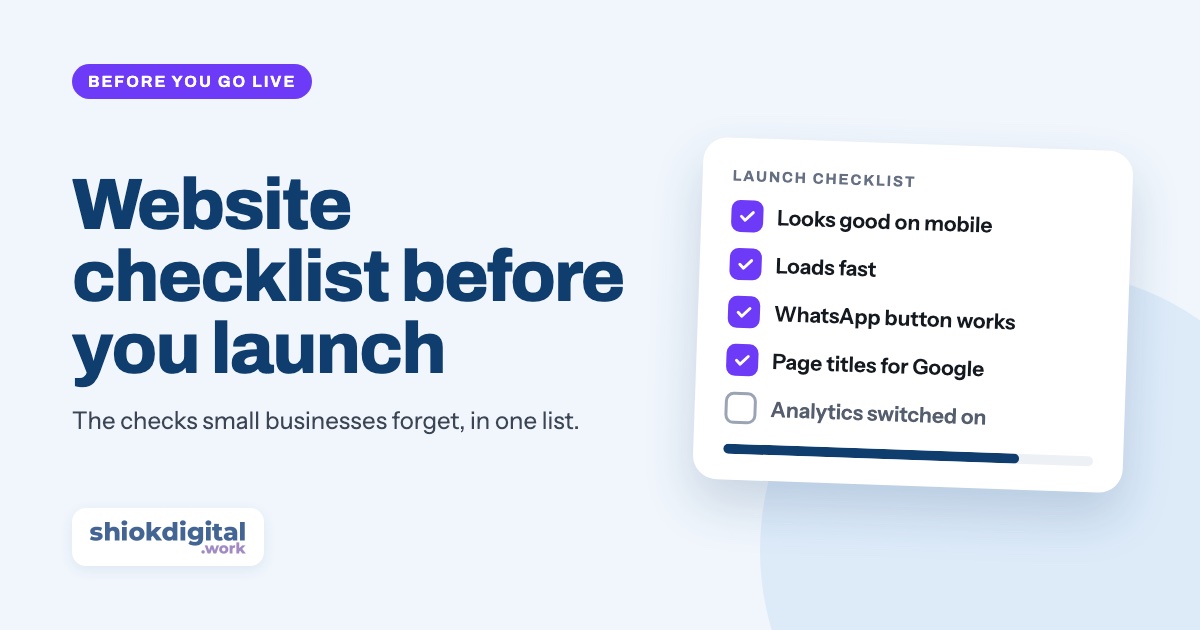
Before launch, check content (no typos or placeholder text, correct phone number and prices), test the site on real phones, make sure it loads fast, tap every button, link and form, set up Google Search Console and Google Analytics, confirm HTTPS is on, and make sure you own the domain and hosting.
1. Content and details
- No placeholder text or images. Search every page for “Lorem ipsum”, “Your headline here” and stock photos you meant to replace.
- Phone number, email and address are correct, and the same as on your Google Business Profile and social media.
- Prices and packages are up to date. An old price on your website leads to awkward WhatsApp conversations.
- Business hours match what you actually do.
- Spelling and grammar checked, ideally by someone who didn’t write the text.
- The footer is current: the right year, business name and registration number if you show one.
2. Mobile
Most of your visitors will be on a phone, often on mobile data. Don’t rely on shrinking your browser window; test on real devices.
- Test on at least one Android phone and one iPhone, using both Chrome and Safari if you can.
- Text is readable without zooming and nothing runs off the side of the screen.
- Buttons are big enough to tap with a thumb, with space between them.
- Phone numbers are tappable and start a call.
- Menus open and close properly, and pop-ups don’t cover the whole screen.
3. Speed
- Run the site through PageSpeed Insights and look at the mobile result first.
- Compress and resize images. A photo straight from a phone camera can be several megabytes. Modern formats like WebP are much lighter.
- Remove what you don’t use: unused plugins, sliders, chat widgets and tracking scripts all slow the page down.
4. Buttons, links and forms
- Tap every WhatsApp button on a phone. Does it open a chat with the right number, with the right pre-filled message?
- Submit every form with real details, and check that the email actually arrives (look in spam too).
- Click every link in the menu, footer and body. No broken pages, no links still pointing to a test or staging site.
- Social media icons link to your own accounts, not the template’s.
- There’s a friendly 404 page that helps people find their way back.
A WhatsApp link only works with the right number format: 60, then your number without the first 0. Our guide on setting up a WhatsApp button explains it step by step.
5. Google search basics
- The site is not blocking Google. Many websites are built with a “noindex” setting or “discourage search engines” box ticked during development. It must be switched off at launch.
- Every page has its own title and description that say what you do and where, like “Aircond Servicing in Shah Alam”. This is what people see in Google.
- Set up Google Search Console, verify your site and submit your sitemap (usually
/sitemap.xml). - Images have alt text describing what they show. It helps Google and visitors using screen readers.
- A favicon and a sharing image are set, so your site looks right in browser tabs and when the link is shared on WhatsApp or Facebook.

6. Tracking
- Google Analytics is installed on every page. Open the site and check the Realtime report to see your own visit appear.
- Important clicks are tracked, such as WhatsApp buttons and form submissions, and marked as key events.
- Ad pixels (Meta, Google Ads) are installed if you plan to run ads.
7. Security, ownership and PDPA
- HTTPS is on (the padlock in the address bar), and the http:// and non-www versions redirect to one main address.
- You own the domain, registered in your business’s name, and you have the login details for the domain and hosting.
- Renewal dates are in your calendar, with auto-renew switched on. An expired domain takes your website and email offline.
- Backups are running, and you know how to restore one.
- A privacy notice is in place if your forms collect names, phone numbers or emails, explaining how you use them, in line with the Personal Data Protection Act 2010 (PDPA).
On launch day
- Add the website link to your Google Business Profile, Facebook, Instagram bio and WhatsApp Business profile.
- Request indexing of your home page with the URL Inspection tool in Search Console.
- Tell your existing customers: a WhatsApp broadcast or a social media post is enough.
- Check Analytics after a week to see where visitors come from and which buttons they tap.
Haven’t decided what kind of site to build yet? Start with landing page vs full website.
Want us to handle the checklist for you?
Every website we build is tested on real phones and launched with Search Console, Google Analytics, WhatsApp click tracking and HTTPS already set up. Landing pages from RM850, one fixed price.
Frequently asked questions
How long does it take to go through this checklist?
For a small business website or landing page, about one to two hours. Most of the time goes into testing on real phones and checking every button, link and form.
Why is my new website not showing on Google?
New websites can take days or weeks to appear. Check that the site is not set to noindex, submit your sitemap in Google Search Console, and use the URL Inspection tool to request indexing of your home page.
Do I need a privacy policy on my website?
If your website collects personal data such as names, phone numbers or email addresses through a form, you should add a short privacy notice explaining how you use that data, in line with Malaysia's Personal Data Protection Act 2010 (PDPA).
Who should own the domain and hosting?
You, the business owner. Make sure the domain is registered in your business's name and that you have the login details, even if your web designer manages it for you.